eTools by piezee
AI-Powered Web Tools

Tools 1–10

Detailed guides for tools 1 through 10 in the Piezee eTools suite. Every tool runs entirely in your browser — no software to install, no files uploaded to servers, no account needed. Pick a tool and start working instantly. Looking for something specific? Search the full Tools Library.

New

Developer Tools

CSS Gradient Generator

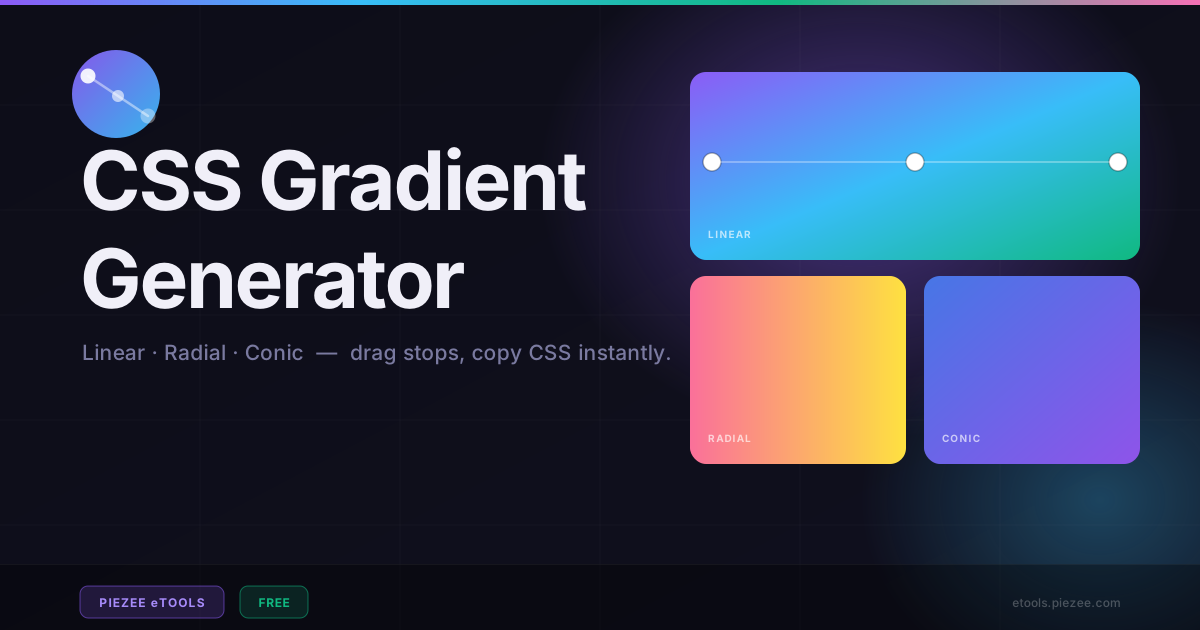
Create beautiful linear, radial, and conic CSS gradients with a live visual editor. Drag colour stops, adjust the angle dial, choose from 12 presets, and copy the CSS instantly.

Launch Tool
New

Productivity Tools

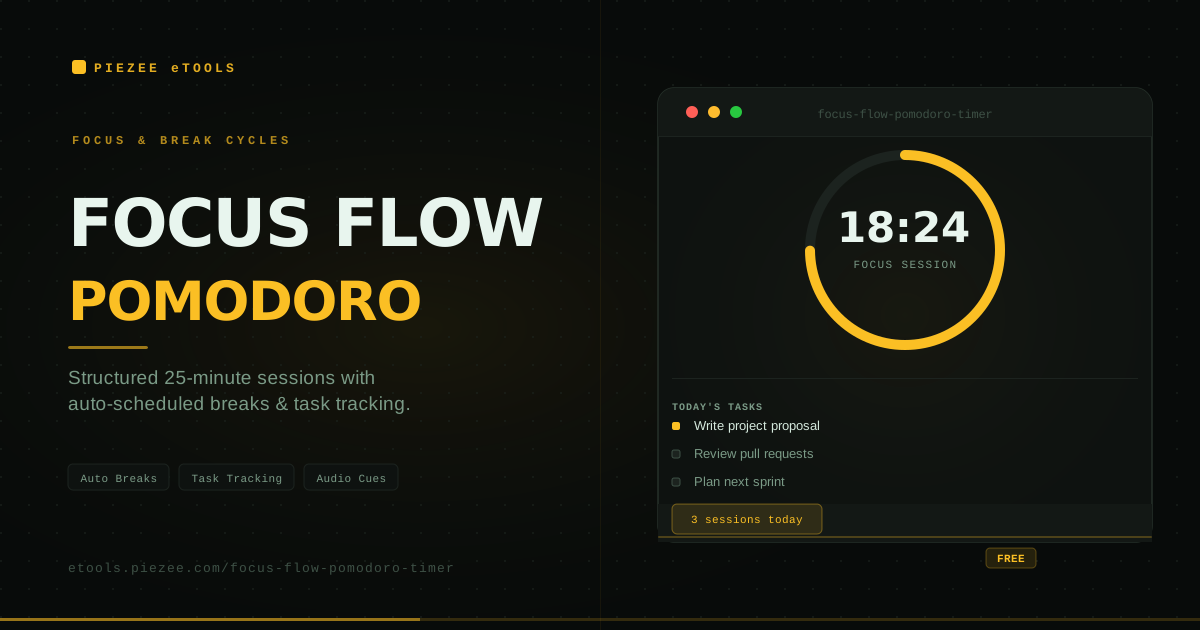
Focus Flow – Pomodoro Timer

Stay locked in with structured 25-minute focus sessions, auto-scheduled breaks, built-in task tracking, and audio cues. The Pomodoro method in your browser.

Launch Tool
New

Developer Tools

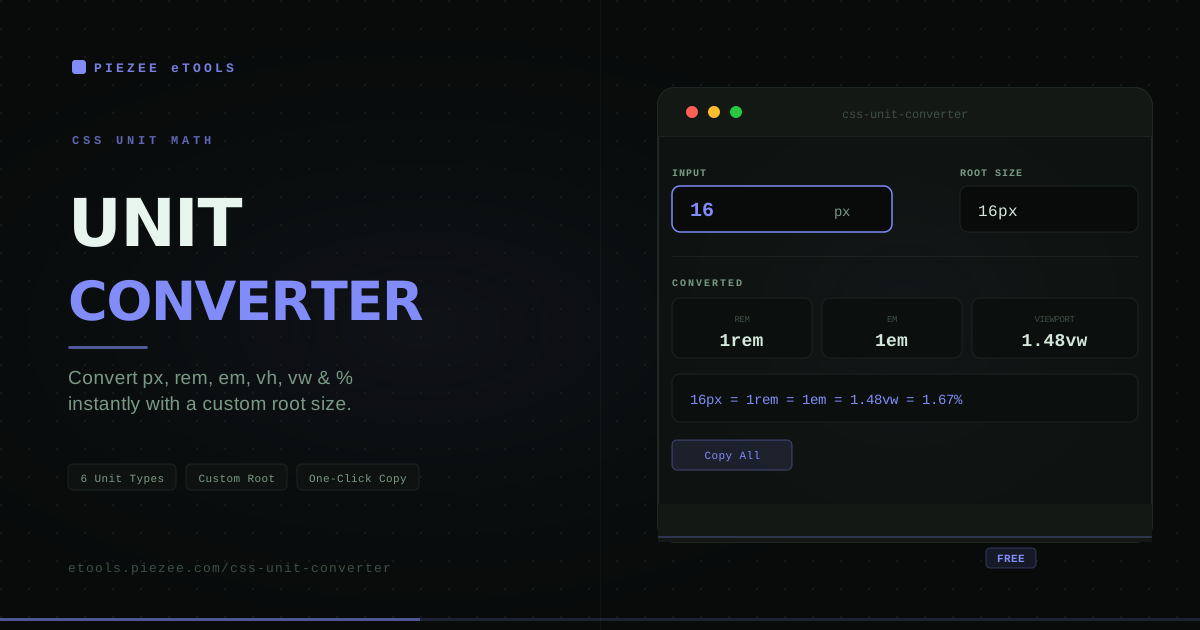
CSS Unit Converter

Convert between px, rem, em, vh, vw, and % instantly. Set a custom root font size, get one-click copy for every result. Stop doing mental arithmetic on responsive CSS values.

Launch Tool
New

Media Tools

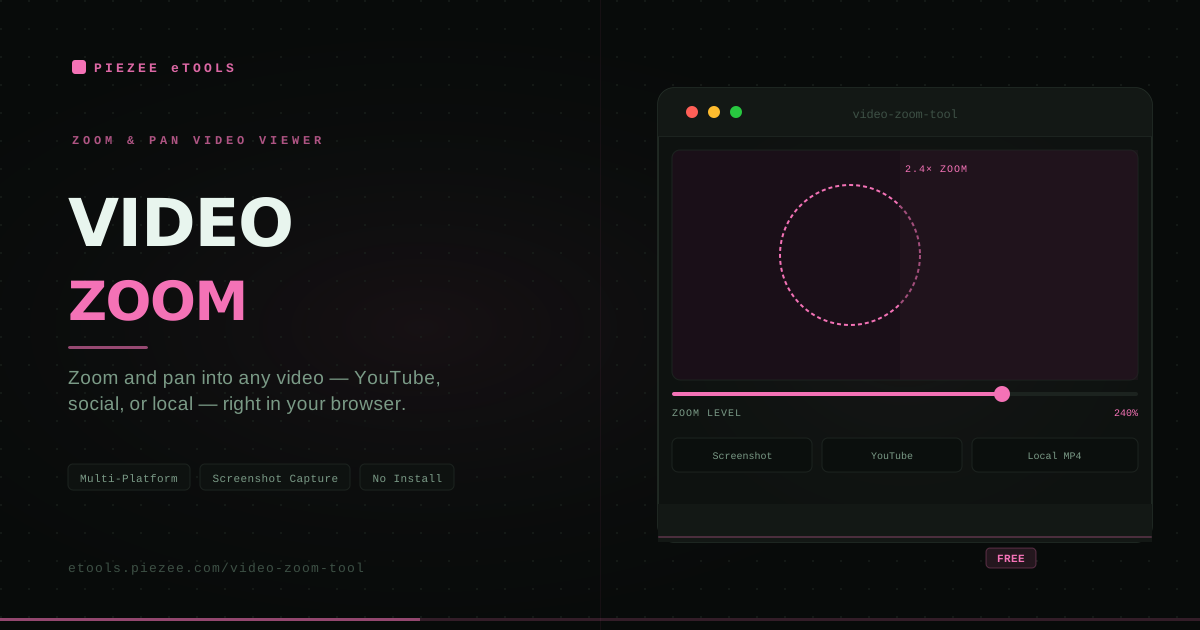
Video Zoom Tool

Zoom and pan into YouTube, Facebook, Dailymotion, X/Twitter, and local MP4 videos right in your browser. Capture screenshots at any zoom level.

Launch Tool

Property Tools

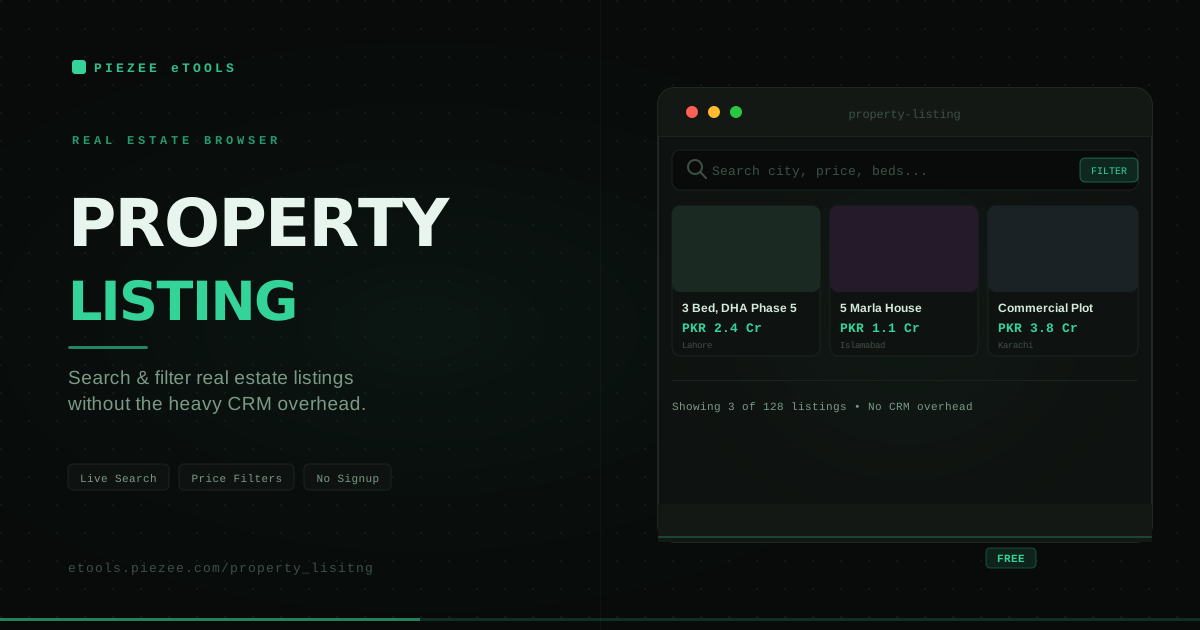
Property Listing

Browse and explore property listings with a clean, filterable real estate interface. Search and explore properties with ease — built for both buyers and agents.

Launch Tool

Text & Writing Tools

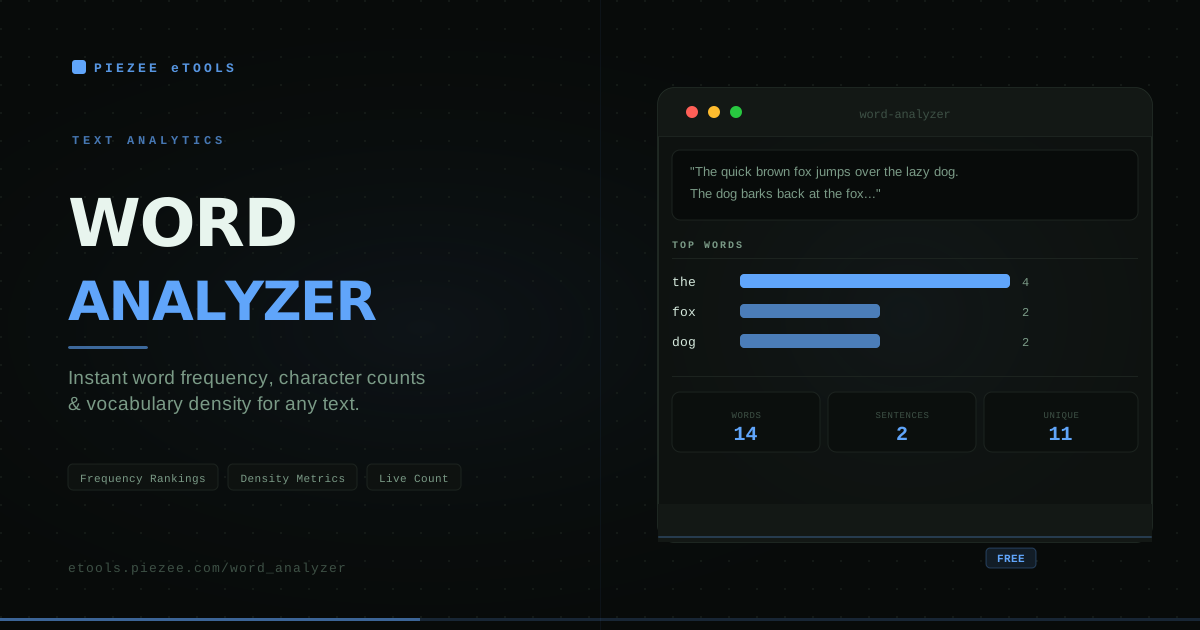
Word Analyzer

Analyze text with precision. Get instant word frequency statistics, character counts, sentence analysis, and comprehensive text insights for writers, editors, and SEO professionals.

Launch Tool

Media Tools

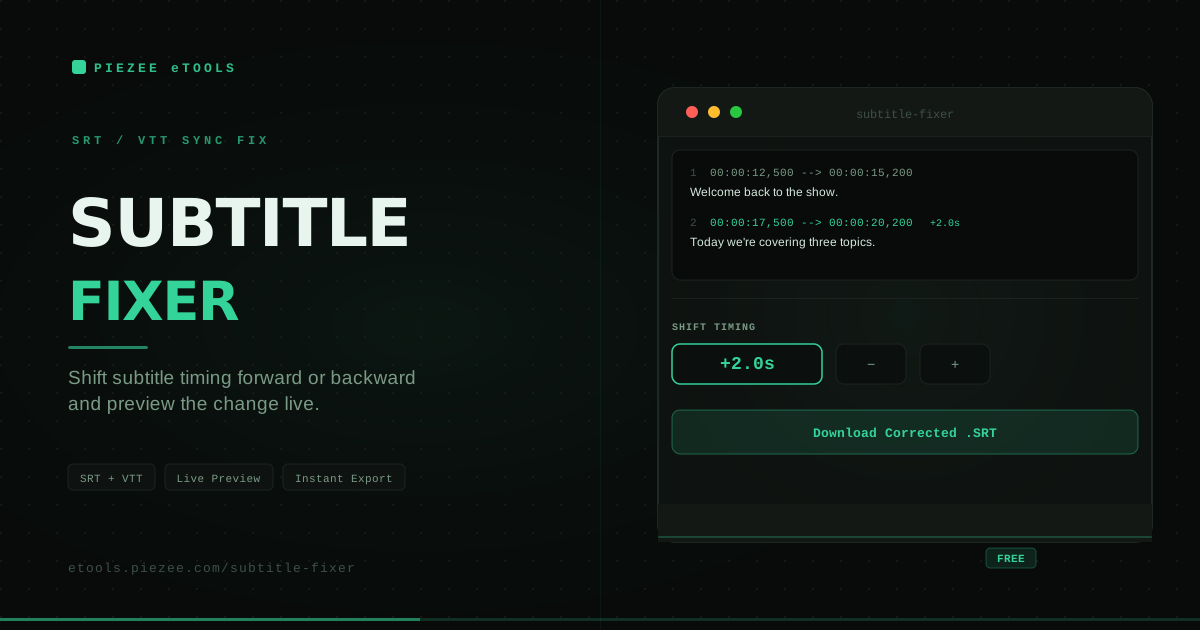
Subtitle Fixer

Fix subtitle timing instantly. Shift SRT or VTT subtitle files forward or backward by any duration, preview changes live, and download your corrected file.

Launch Tool

Media Tools

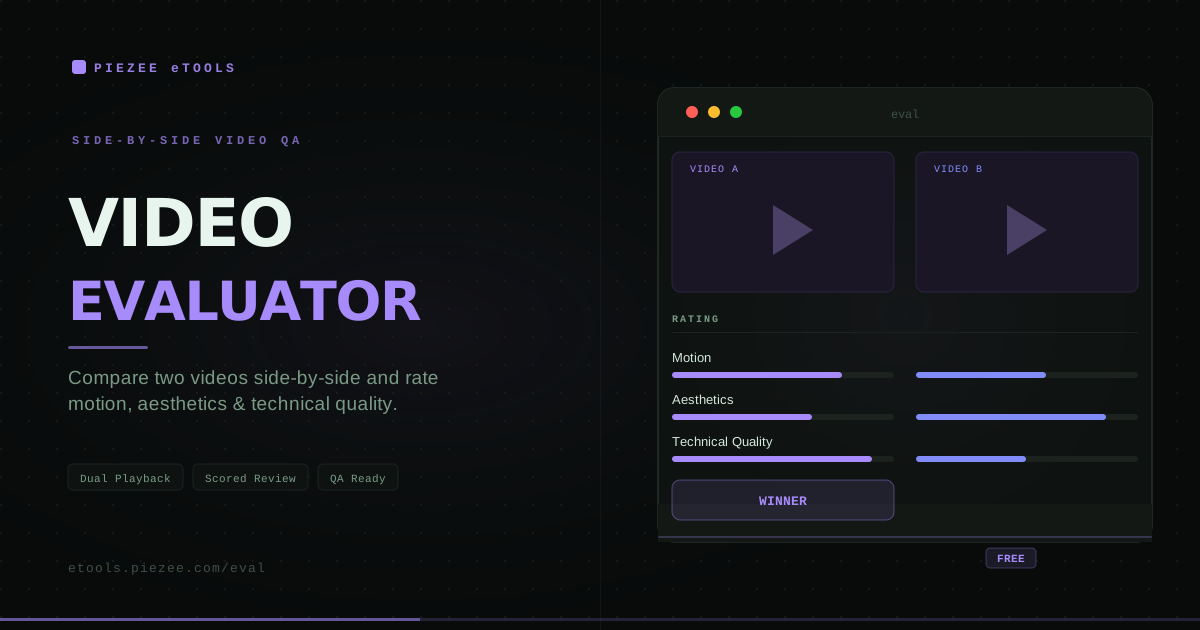
Piezeeplay – Video Evaluator

Compare and evaluate two videos side-by-side. Rate each on motion, aesthetics, and technical quality. Ideal for QA, creative reviews, and content comparison.

Launch Tool

Media Tools

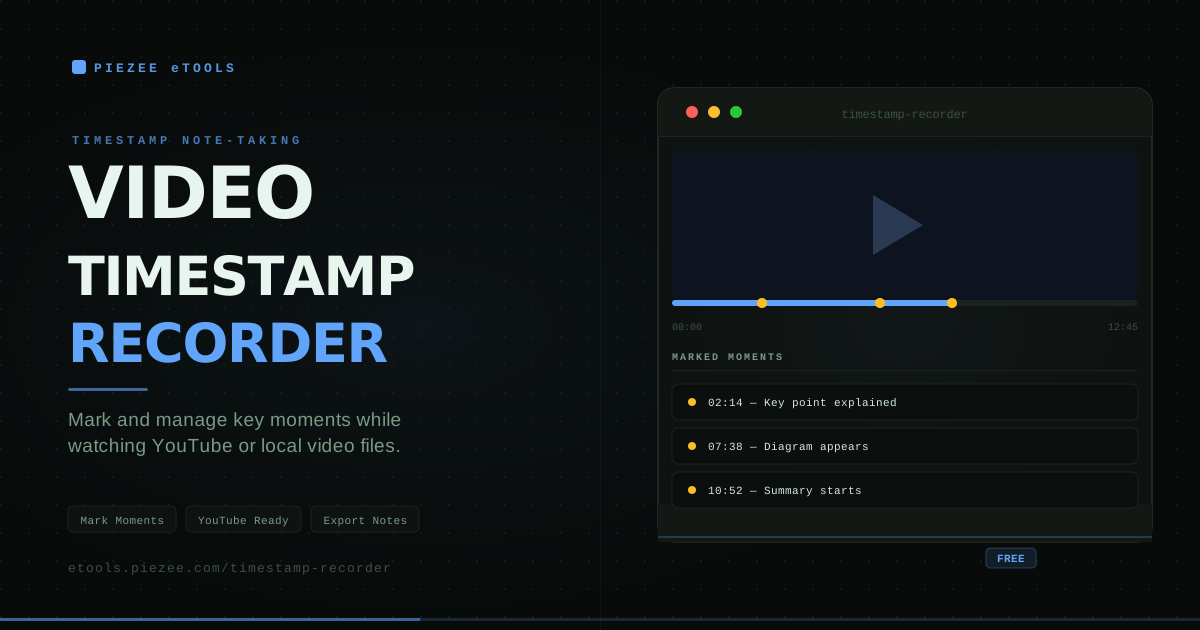
Video Timestamp Recorder

Mark and manage timestamps while watching YouTube or local video files. Perfect for students, content creators, video editors, and researchers tracking key moments.

Launch Tool

Media Tools

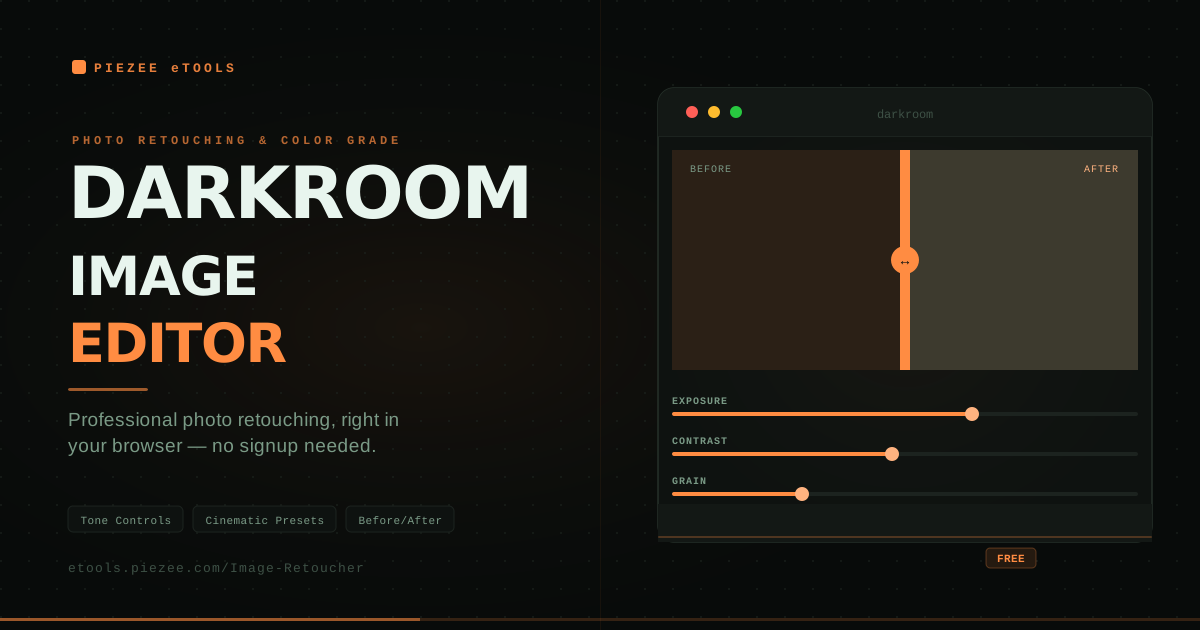
DARKROOM Image Editor

Professional browser-based photo retouching with tone controls, color grading, cinematic presets, grain, vignette, and split-view before/after comparison. Edit like a pro — no Photoshop needed.

Launch Tool

What Each Tool Does

Media Tools

DARKROOM Image Editor — Professional browser-based photo retouching with tone controls, color grading, cinematic presets, grain, vignette, and split-view before/after comparison. Try it now.

Video Timestamp Recorder — Mark and manage timestamps while watching YouTube or local video files. Built for students, editors, and researchers tracking key moments. Try it now.

Piezeeplay – Video Evaluator — Compare and evaluate two videos side-by-side, rating each on motion, aesthetics, and technical quality. Built for QA and creative review. Try it now.

Subtitle Fixer — Shift SRT or VTT subtitle files forward or backward by any duration, preview the change live, and download the corrected file. Try it now.

Video Zoom Tool — Zoom and pan into YouTube, Facebook, Dailymotion, X/Twitter, and local MP4 videos right in your browser. Capture screenshots at any zoom level. Try it now.

Text & Writing Tools

Word Analyzer — Instant word frequency rankings, character counts, sentence analysis, and vocabulary density metrics for any pasted text. Try it now.

Property Tools

Property Listing — A clean, filterable browser for real estate listings — search and explore properties without heavy CRM overhead. Try it now.

Developer Tools

CSS Unit Converter — Convert between px, rem, em, vh, vw, and % instantly, with a custom root font size and one-click copy for every result. Try it now.

CSS Gradient Generator — Create beautiful linear, radial, and conic CSS gradients with a live visual editor. Drag colour stops, adjust the angle dial, choose from 12 presets, and copy the CSS instantly. Try it now.

Productivity Tools

Focus Flow – Pomodoro Timer — Structured 25-minute focus sessions with auto-scheduled breaks, built-in task tracking, and audio cues — the Pomodoro method in your browser. Try it now.
Looking for a Different Tool?

Search and filter the full, growing collection in the Tools Library — every tool, one click away.

Browse Tools Library